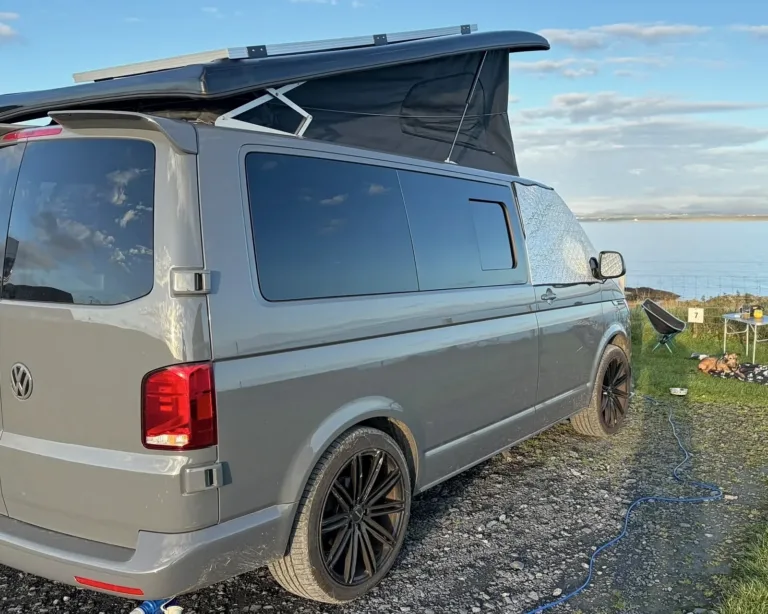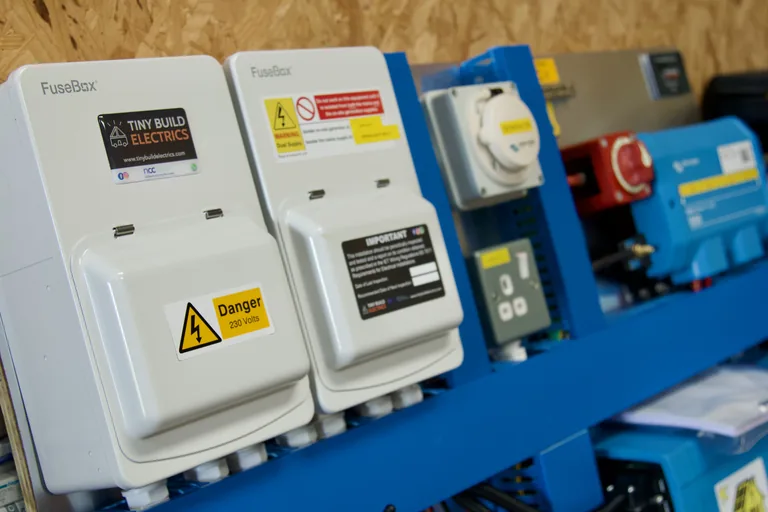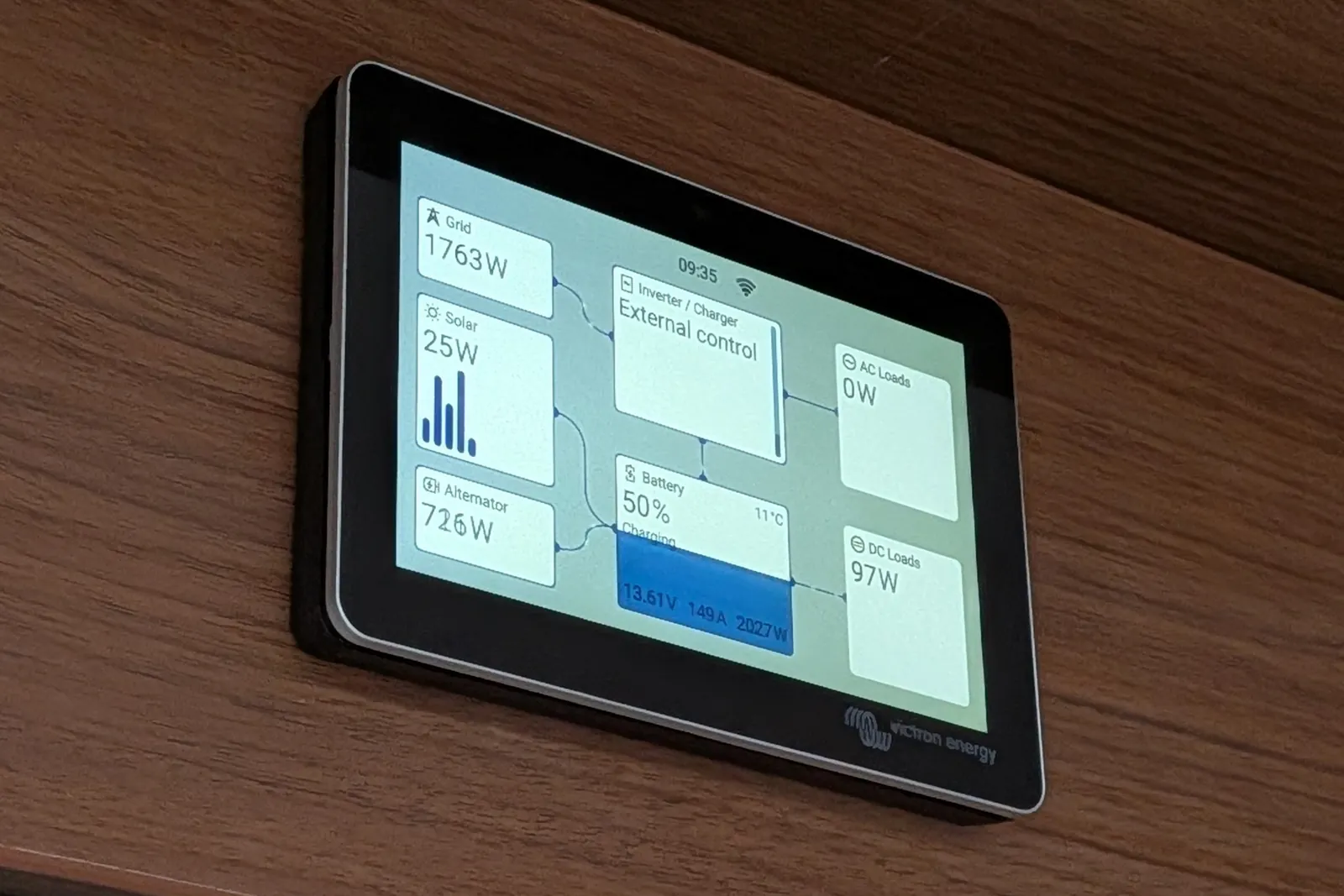
In short: A Cerbo GX is Victron’s communication centre. It links your inverter/charger, solar charger, DC-DC charger and battery so they work as one system. It shows everything on one screen and sends it to Victron’s free VRM portal, so you can check your campervan or motorhome from your phone wherever it has a signal. Because of that, most Victron systems with an inverter/charger and lithium benefit from one.
You’ve probably seen “Cerbo GX” on a quote or a wiring diagram and wondered if it’s essential or a nice extra. This guide explains what it does in a van, what VRM gives you, how it gets online and when we’d leave it out. We’re an Authorised Victron Energy Installer with 180+ Victron systems on VRM, so this comes from the vans we build and look after.
On this page 9 sections
- What is a Cerbo GX?
- What a Cerbo GX does in a campervan or motorhome
- Cerbo GX and VRM: remote monitoring from your phone
- Getting a Cerbo GX online in a van
- Do you need a Cerbo GX, and is it worth it?
- Cerbo GX, GX Touch and other GX Victron devices
- Having a Cerbo GX fitted, or adding one in a Self-Build
- Cerbo GX FAQs
- Sources
What is a Cerbo GX?
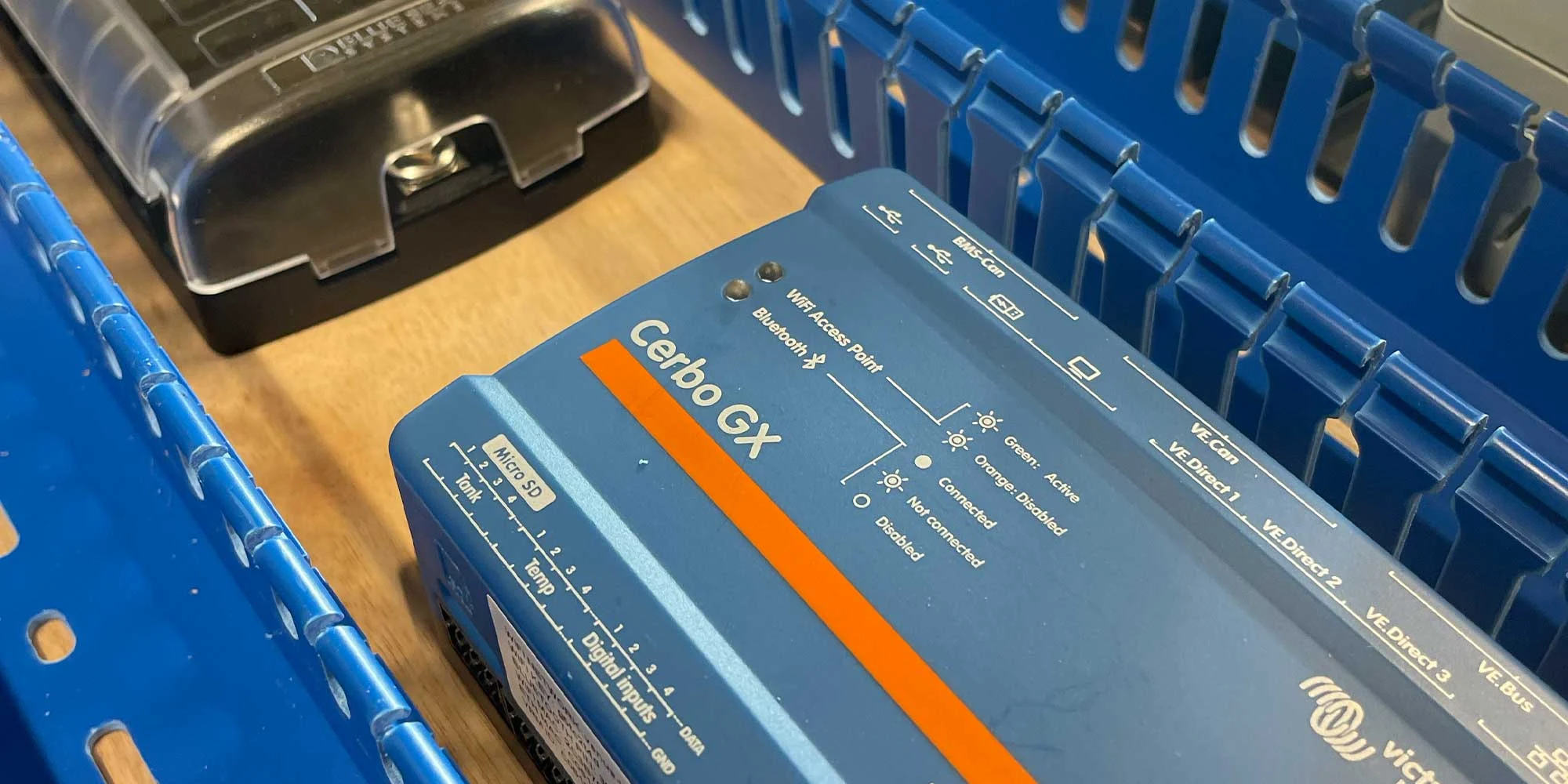
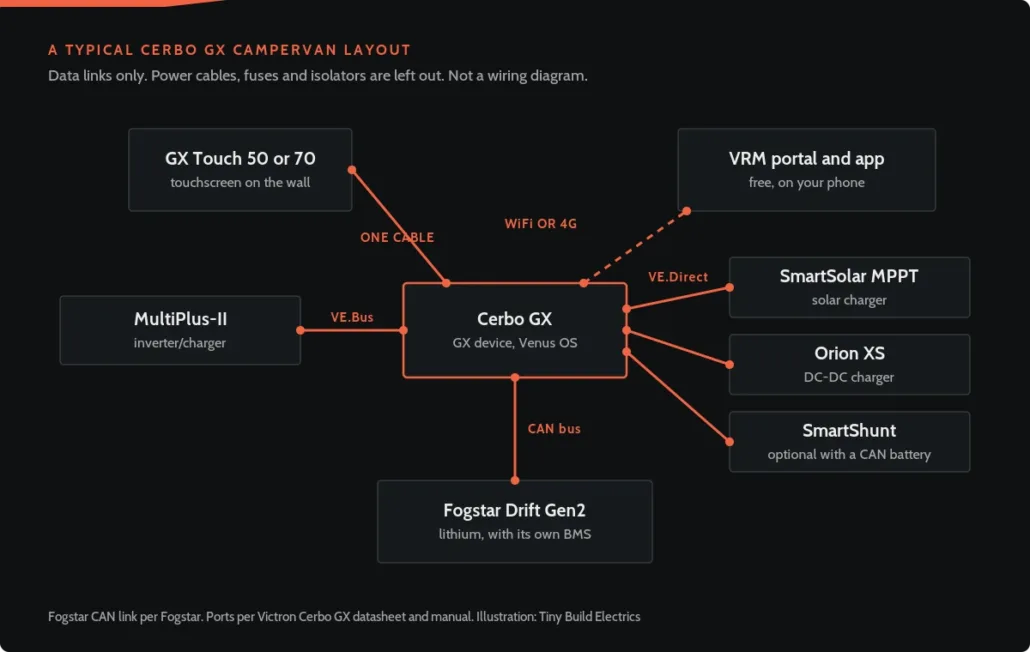
The Cerbo GX is a small box from Victron’s GX family that runs Victron’s Venus OS. It also sits at the centre of the system, talking to the inverter/charger, solar chargers, DC-DC chargers and batteries. It doesn’t charge or invert anything itself. Instead, its job is to gather the data, share it between devices and put it in front of you.
You can see it in four ways. First, there’s a GX Touch screen on the wall. Then there’s the VictronConnect app on your phone over the van’s WiFi, a web browser using Remote Console, or VRM from anywhere with internet. The Cerbo also has its own WiFi access point, so you can reach it in a field with no signal. However, its Bluetooth is only for first set-up, not for reading other Victron kit.
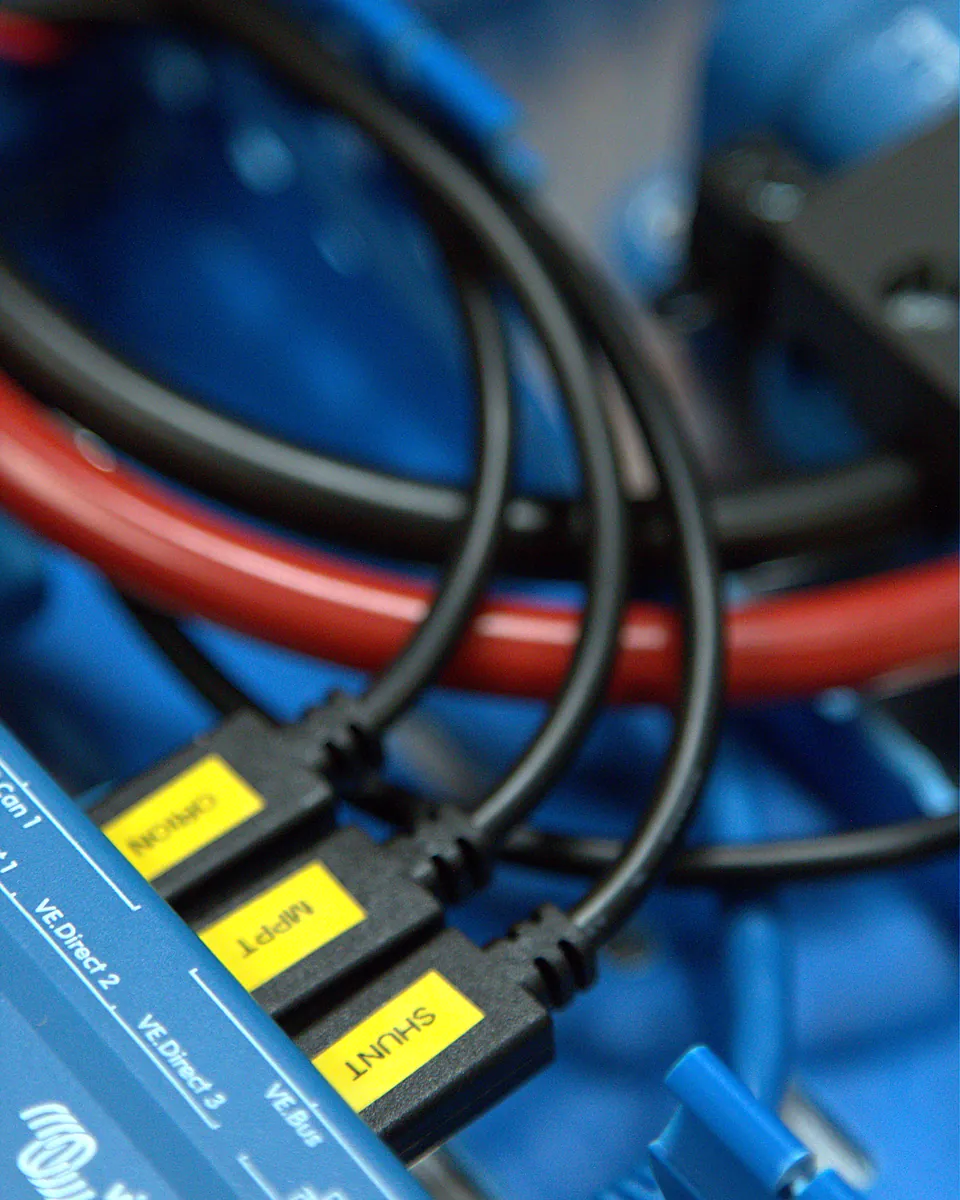
Each Victron product also plugs into its own port:
- VE.Bus for the MultiPlus-II inverter/charger
- VE.Direct for SmartSolar MPPT chargers, the Orion XS and the SmartShunt
- VE.Can and BMS-Can for CAN-bus batteries
- Ethernet, WiFi and USB for getting online, including a 4G modem
If you already know you want one, you can buy the Victron Cerbo GX in our shop.
What a Cerbo GX does in a campervan or motorhome
One screen, one system
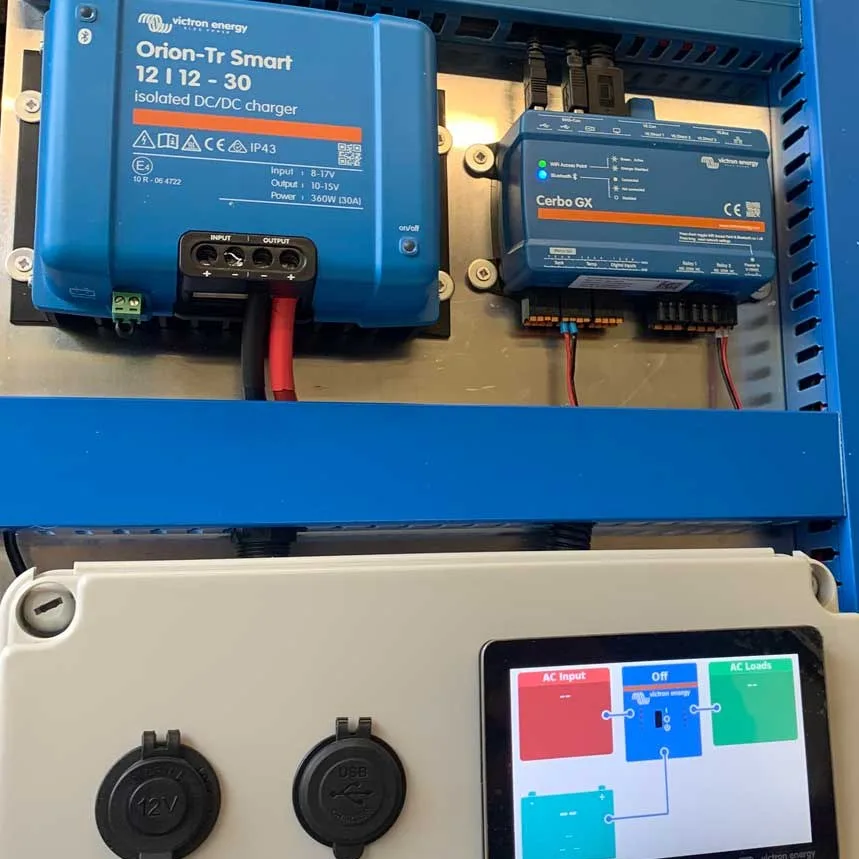
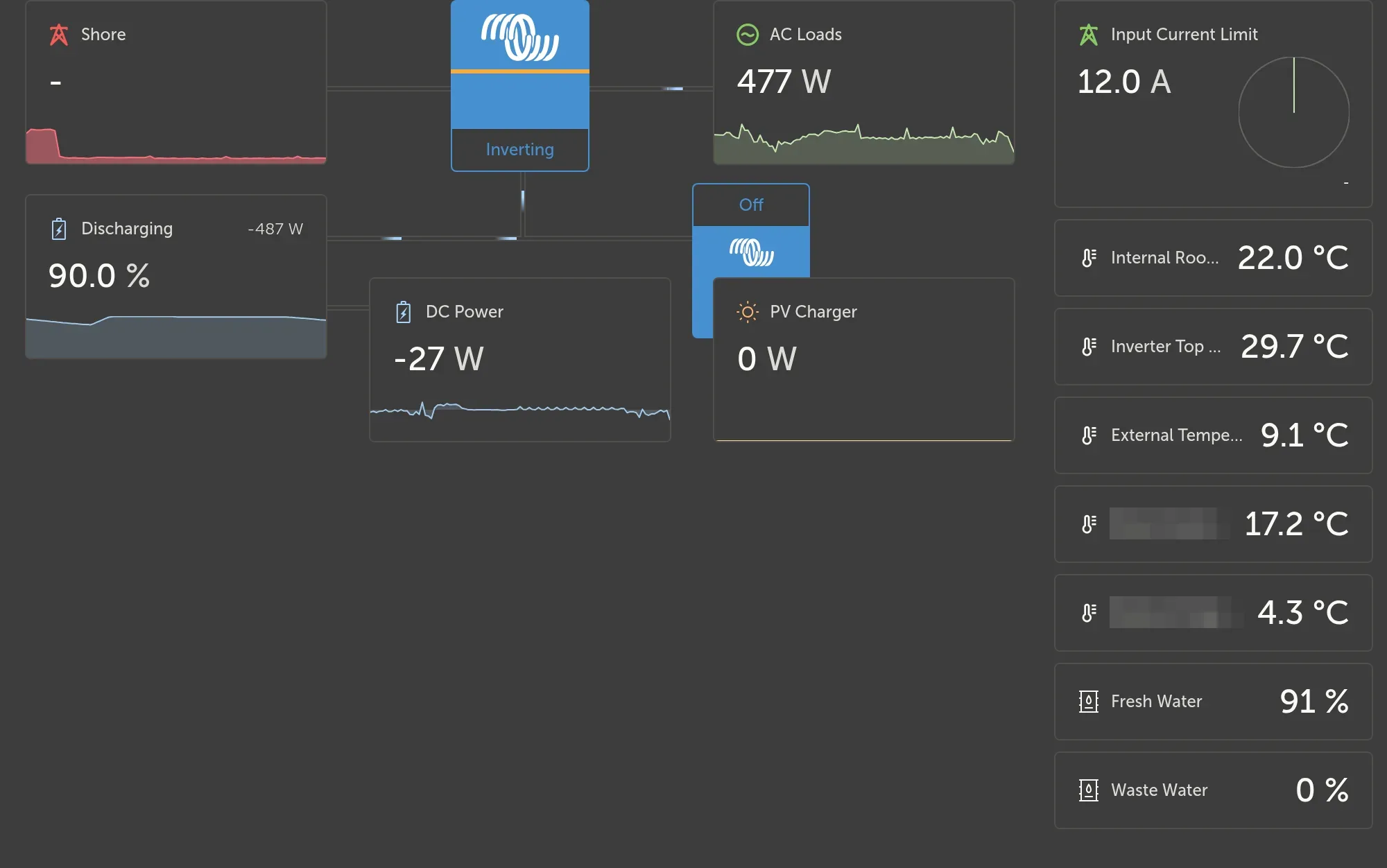
Without it, every Victron device has its own Bluetooth page in the app, so you check them one at a time. With the Cerbo, however, battery charge, solar harvest, shore power and loads sit on one screen together.
The chargers follow the battery
This is the part most people don’t know about. First, a managed lithium battery has its own battery management system (BMS). Then you connect that BMS to the Cerbo over CAN bus and turn on DVCC, Victron’s way of sharing charge limits across the system. The Cerbo then passes the battery’s charge voltage and current limits to the MultiPlus-II, the solar chargers and the Orion XS. So they stop using their own charge settings and charge the way the battery asks.
Our standard battery, the Fogstar Drift Gen2, also talks to the Cerbo over CAN bus with one cable. The Cerbo can then read the battery’s own state of charge, temperatures and alarms. Because its 300 A BMS sends charge limits over CAN, we switch DVCC on for every Gen2 we fit, just as the battery’s manual sets out.
Not every lithium battery works this way. For example, the 250 A BMS models in the same range have no CAN port, so there are no limits to share. We never switch DVCC on for those, because it can get in the way rather than help. Our battery monitor guide explains when you’d still add a SmartShunt.
It’s worth being clear about what this isn’t, though. The Cerbo doesn’t protect the battery, because the BMS, the fusing and the charger settings do that. Instead, DVCC just keeps every charger working to the same limits. If your lithium won’t take a charge on the road, our guide to DC-DC charging is the place to start.
Shore power from the screen
Campsite hook-ups vary a lot, so it helps that you can set the shore power input current limit from the screen or from VRM. That matters most on a low-amp campsite hook-up.
Tanks and temperatures
The Cerbo has four tank level inputs and four temperature inputs. We fit tank senders as part of the build, so fresh and waste water levels show on the screen and in VRM next to the battery.
The inputs only read resistive senders, though, not the current or voltage type. Each one can be set to the European or US standard, or to a custom range, so we match it to the sender. You can also set a low or high level alarm for each tank. We stock resistive tank level senders in lengths to suit most van tanks.
It can do far more on boats and off-grid sites. Even so, in a van those four jobs are what you’ll use every day.
Cerbo GX and VRM: remote monitoring from your phone
VRM is Victron’s online portal and app. According to Victron, it’s free of charge for any number of installations, with no extra hardware, software or subscription once the Cerbo GX is online.
What you get:
- live and historical data for the battery, solar, shore power and loads
- alerts by email or push notification, for example a low battery
- remote control of the shore current limit and the inverter/charger
- firmware updates, as well as settings changes, from anywhere
- Remote Console, the Cerbo’s own screen over the internet
In a van, that means you can check the battery while it’s in storage or on the drive. You can also see what the solar panels are doing while you’re away.
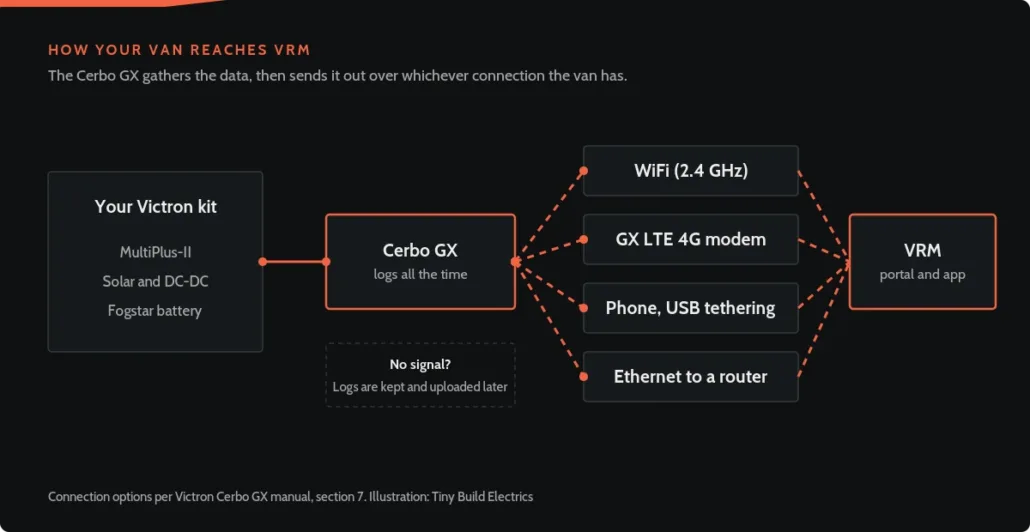
It doesn’t need a perfect signal, though. The Cerbo keeps logging when the connection drops and uploads the data when it’s back. The internal store holds several days, and a microSD card or USB stick extends it further.
VRM itself is free. Setting it up well is another matter: the right alerts, the right thresholds and firmware that’s current. So that’s where our Victron remote monitoring service comes in. First we set up VRM and your Cerbo GX properly. Then we switch on the alerts that matter and support you for 12 months, for £195.
Getting a Cerbo GX online in a van
Victron’s manual gives four ways to connect it:
1. Ethernet to a router in the van
2. Built-in WiFi, but only on 2.4 GHz networks
3. A GX LTE 4G modem with a data SIM
4. USB tethering, sharing your phone’s connection
Campsite WiFi is patchy, and a van in storage usually has none. That’s why we recommend a router for the whole van rather than a modem just for the Victron kit. Starlink, a Starlink Mini or a 5G router with an external antenna all work well. As a result, your phones and laptops get WiFi too, and the Cerbo simply joins the same network.
A GX LTE 4G modem still works, but it only gets the Victron kit online. Tethering to your phone works too, but only while your phone is in the van. Remember that a router draws power as well, so it goes off with the rest of the system when the van is laid up.
Set-up mistakes we see
In fact, most Cerbo problems we’re asked to look at come down to set-up, not faulty kit.
- A 5 GHz router: the built-in WiFi can see a 5 GHz network but can’t join it, so use a 2.4 GHz network or a cable.
- The wrong socket: the Ethernet, VE.Bus and VE.Can sockets look alike, so Victron warns not to mix them up.
- Two battery monitors: if the battery talks CAN and there’s a SmartShunt too, pick one as the battery monitor on the Cerbo. Otherwise the two fight over state of charge.
- DVCC switched on blind: Victron says to turn it on only if the battery is known to support it. With our batteries, that means a Gen2 with the 300 A BMS, never a 250 A model.
- Old firmware: Victron’s advice is to fit the latest firmware at commissioning, then leave it unless there’s a problem.
Do you need a Cerbo GX, and is it worth it?
For most vans with a Victron inverter/charger and lithium, yes. It lets the chargers follow the battery, gives you one screen instead of several apps and puts the van on VRM. For a very simple system, such as one solar charger and a SmartShunt you only check by Bluetooth, it’s optional.
Victron also says a GX device is needed to integrate third-party lithium batteries over CAN.
| Bluetooth only (VictronConnect) | With a Cerbo GX | |
|---|---|---|
| See each device | Yes, but one at a time, in Bluetooth range | Yes, all on one screen |
| Check the van from home | No | Yes, through VRM (free) |
| Alerts by email or push | No | Yes |
| Chargers follow a CAN-bus lithium battery’s limits (DVCC) | No | Yes |
| Firmware updates and settings changes remotely | No | Yes |
| Extra hardware | None | The Cerbo, plus a screen if you want one |
Bluetooth only vs a Cerbo GX, according to Victron Energy.
Even so, you don’t need one to read a single device. For example, a SmartShunt or a solar charger shows on your phone by Bluetooth without it.
Running cost is small, since Victron lists 2.8 W at 12 V without a screen. That’s roughly 5.6 Ah a day if it runs around the clock, so isolate the system when the van is laid up.
If you’re still choosing the rest of the system, our campervan inverter guide is a good next read.
Cerbo GX, GX Touch and other GX Victron devices
GX Touch 50 or GX Touch 70: these are optional waterproof touchscreens, five inch and seven inch, that connect to the Cerbo with one cable. The GX Touch 50 suits a small van wall, whereas the GX Touch 70 is easier to read from across a motorhome.
MK2 or MK3: Victron sells both. However, it says the MK3 is three to four times faster than the MK2, depending on the load. We supply the MK3.
Built for vehicles: Victron also lists automotive EMC approval (ECE R10-6) for the Cerbo.
Other GX devices: the Ekrano GX is another member of the family. You can also browse every GX screen and option we stock, or the wider system monitoring range. Finally, our accessories kit has spare connectors and parts for the Cerbo.
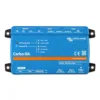
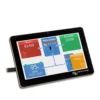
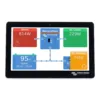
Cerbo GX and GX Touch in our shop. Product images: Victron Energy.
Having a Cerbo GX fitted, or adding one in a Self-Build
Fitted at our Witherslack workshop: we supply and fit it either as part of a whole system or as an upgrade:
- Victron MultiPlus-II and Cerbo GX, supplied and fitted: £2,750 All-in price, added to a system you already have
- A full system: see our campervan electrical installation and motorhome electrics pages, or a pre-built campervan electrical system wired on our bench
We’re now booking installs from February 2027.
Self-Build: with the Self-Build package, Tom designs your custom kit after a free call. The Cerbo GX goes in if it suits your build. The package comes included when you buy your kit through us, with remote commissioning plus 12 months of VRM support. In-stock items are usually dispatched in 1 to 2 working days. Want a head start in the meantime? Try the system designer or read about planning your campervan electrical system.
Already have a Victron system with a Cerbo GX? If so, our remote monitoring set-up gets it on Victron VRM properly.
Building a cabin instead? Then see our off-grid cabin solar system guide.
Not sure if your van needs one?
Tell us how you use the van and we’ll say plainly whether one earns its place.
Cerbo GX FAQs
What is a Cerbo GX and do I need one?
It’s the hub of a Victron system. In short, it collects data from your inverter/charger, solar charger, DC-DC charger and battery, shows it on one screen and sends it to VRM. You need one if you want the whole system in one view, remote monitoring, or a lithium battery that sets the limits for every charger.
Is a Victron Cerbo GX worth it?
For most vans with a Victron inverter/charger and lithium, yes. With a CAN-bus battery, for example, it lets the chargers follow the battery’s own limits. It also swaps several apps for one screen and puts the van on VRM so you can check it from home. However, a very simple system checked only by Bluetooth may not need one.
Does a Cerbo GX need the internet?
No, because it works locally through a GX Touch screen, or through VictronConnect on your phone using its own WiFi access point. It also keeps logging the whole time. For VRM, however, it needs a connection. We’d use the van’s own router, such as Starlink or a 5G router, although a GX LTE 4G modem or your phone shared over USB also work. Logs then upload once it’s back online.
Is VRM free?
Yes, since Victron’s VRM portal and app are free for any number of installations, with no subscription. You only pay for the internet connection the Cerbo uses, such as the data plan on your van’s router. Our paid remote monitoring service is also optional. It’s us setting VRM up properly and supporting you for a year.
Does a Cerbo GX drain the battery?
Only a little. Victron lists 2.8 W at 12 V without a screen, although a GX Touch adds a little more. Overall, that’s small next to a lithium battery in daily use. Left running for weeks in storage it adds up, so switch the system off when the van is laid up. Our guide to winterising your campervan covers the rest.
Do I need a GX Touch screen with a Cerbo GX?
No, it works fine without a screen, so you can view it on your phone through VictronConnect or VRM. Even so, a GX Touch 50 or GX Touch 70 adds a waterproof touchscreen on the wall with one cable. Most owners like one so they can check the battery at a glance.
What's the difference between the Cerbo GX MK2 and MK3?
Victron sells both. It says the MK3 is three to four times faster than the MK2, depending on the load. That matters most for heavy automation and systems with lots of connected devices, whereas in a campervan or motorhome both do the same job. We supply the Cerbo GX MK3, the current model in our shop.
Can you set up VRM on a Victron system someone else installed?
Yes, if it’s a Victron system. Our remote monitoring set-up is a one-hour video call. We commission VRM and your Cerbo GX together, switch on the alerts that matter and update firmware, then support you for 12 months. It’s £195. If something physical needs changing, we’ll explain what and why.
Sources
- Cerbo GX product page, Victron Energy
- Datasheet, Cerbo GX and GX Touch, Victron Energy
- Cerbo GX manual, Victron Energy
- DVCC (Cerbo GX manual, section 12), Victron Energy
- Internet connectivity (Cerbo GX manual, section 7), Victron Energy
- VRM, Victron Energy
- Drift PRO Gen2 vs PRO explained, Fogstar
- Fogstar Drift range manual 2026 (Victron integration and range comparison), Fogstar
- Tank level inputs (Cerbo GX manual, section 6.4), Victron Energy
About the reviewer: Tom Alderdice
Tom holds the 18th Edition (BS 7671) and inspection and testing qualifications, plus NCC training in caravan and motorhome electrics.
Tiny Build Electrics is an Authorised Victron Energy Installer. See Tom’s full qualifications