
 Authorised Victron Energy Installer
 1 / 6Authorised Victron Energy Installer1 / 6
Victron part no. BPP900451130
Source: Victron Cerbo GX manual, technical specifications
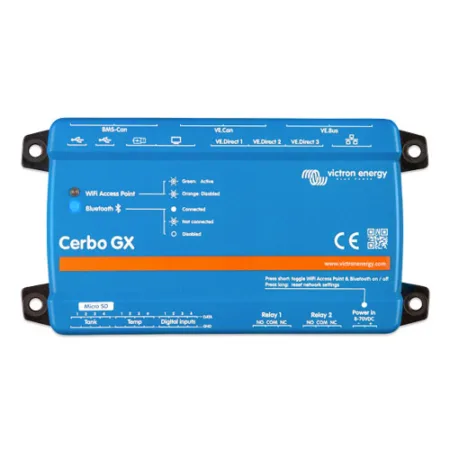
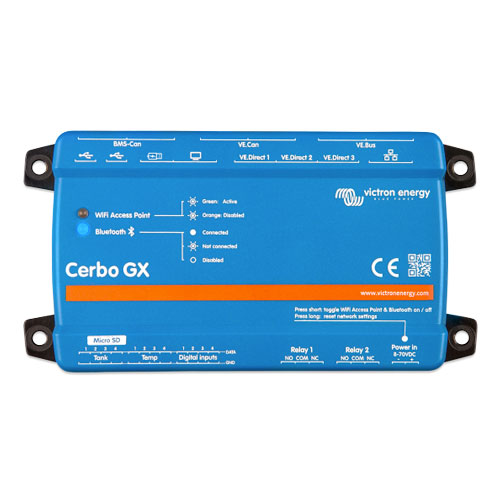
Victron Cerbo GX MK3 (BPP900451130)
The Cerbo GX MK3 replaces the Cerbo GX MK2. It has the same connections, size and mounting as the MK2, with a much faster 64-bit quad-core 1.4 GHz processor and DDR4 memory. Victron puts it at around three to four times the performance of the MK2, depending on the workload, which helps on bigger systems and when running Node-RED or Signal K.
The Cerbo GX is the communication centre of a Victron system. Inverter/chargers, solar chargers, battery monitors and compatible lithium batteries all connect to it, so you can monitor and control the whole system in one place. Monitoring can be local, with the optional GX Touch 50 or GX Touch 70 display or the VictronConnect app, or remote through Victron's free VRM portal, which also allows remote firmware updates and settings changes.
Connections
Available accessories include the GX Touch 50 and GX Touch 70 displays and the Cerbo GX accessories kit.
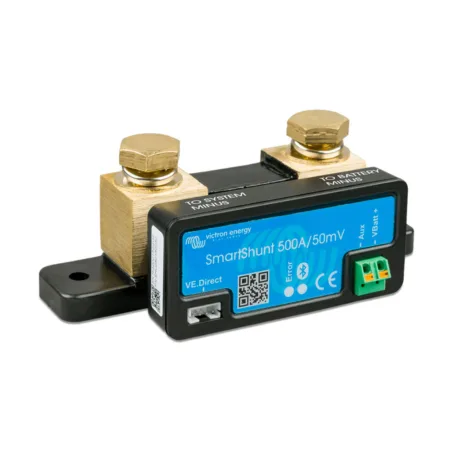
The usual monitoring pair, plus accurate state of charge.
| Model | Type | Supply / screen | Protection | Price | Source | |
|---|---|---|---|---|---|---|
| Cerbo GX MK3 This one | GX device | 8 to 70 V DC | IP20 | £235.99 | Datasheet | In stock |
| GX Touch 50 | Display | 800 × 480 | IP54 | £149.99 | Datasheet | View |
| GX Touch 50 flush | Display | 800 × 480 | IP65 | £202.99 | Datasheet | View |
Figures from the manufacturer's published specifications, linked per row. Sizing depends on your loads, battery bank and hook-up. Get it sized on a free 30-minute call
No. The Cerbo GX works without one and can be viewed on VRM. Add a GX Touch if you want a display in the van.
Victron Remote Management, Victron's online portal for monitoring your system.
Free 30-minute call, Victron kit specified for your build, wiring diagram part for part.