The sun is still out, but the battery is full. With Victron Shelly integration, that spare solar can heat water instead of going to waste. A Victron GX device is the control and monitoring hub of the system. With GX Opportunity Loads, you set the order of your flexible loads and the GX decides what can run.
This guide covers Venus OS 3.80 and newer. It is written for self-builders planning a van, boat, cabin or home system, not just a house with an export tariff.
In short: Victron Shelly integration
Victron Shelly integration lets a Victron system put spare solar to work when the battery is nearly full. A Victron GX device switches a suitable Shelly-controlled AC load, such as a water heater, when there is power to spare.
- Opportunity Loads uses spare solar for flexible AC (alternating current) loads. It does not control DC (direct current) loads.
- You need a supported GX system on Venus OS 3.80 or newer, using the New UI.
- Shelly control runs over Wi-Fi or Ethernet, never Bluetooth, and the Shelly must switch and measure power.
- Password-protected Shelly devices and Shelly add-ons are not supported.
- Start with the battery reserve you need, then add a load that can safely wait.
Planning a system? Book a free 30-minute call with Tom.
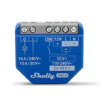
We stock the Shelly 1 Gen4 for switching and BLE Bridge work. Opportunity Loads needs a metering model such as the 1PM above.
What counts as surplus solar?

Safety first: this is a setup guide, not a mains wiring guide. Fixed wiring and mains-connected devices need a qualified electrician. Controlled loads can start without warning. Use only equipment that is safe to switch this way.
Surplus solar is power your panels could provide beyond what the system needs at that moment. Your normal loads and battery charging both come into that balance.
On a grid-connected site, spare power might otherwise go to the grid. In an off-grid system, the solar charge controller cuts its output back because there is nowhere for more energy to go.
Opportunity Loads gives the GX another option. It can turn on a suitable AC load, such as a water heater, when the system has power to spare. That stores useful heat rather than wasting the sunshine.
However, it does not create extra energy. If there is no surplus, there is nothing to divert. If you are still planning the basics, start with our guide to solar panels for a campervan.
What do you need for Victron Shelly integration?
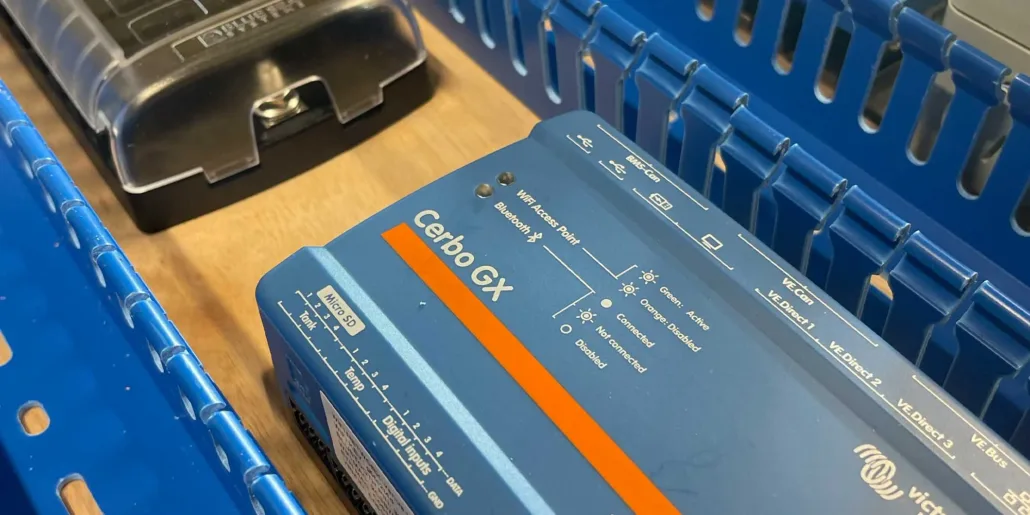
A GX device on its own is not enough. Check the whole system against Victron’s Opportunity Loads requirements.
| Part | What to check |
|---|---|
| GX device | A supported model, such as Cerbo GX or Ekrano GX, on Venus OS 3.80 or newer. Use the New UI, not Classic. |
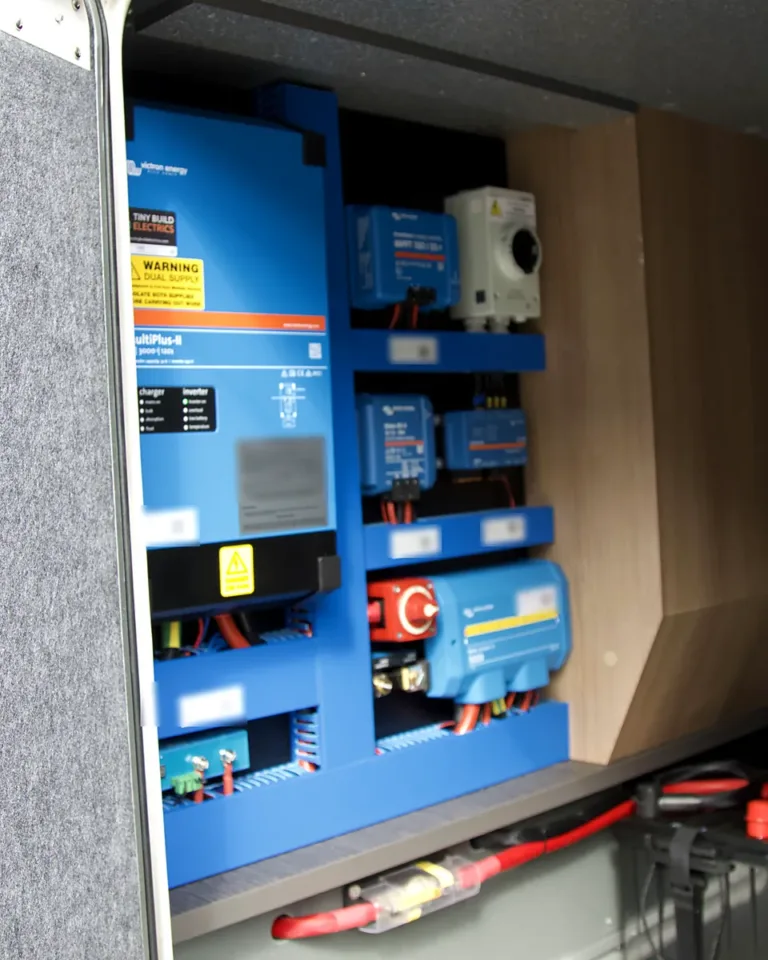
| Inverter/charger | A supported Victron inverter/charger, such as a MultiPlus-II. |
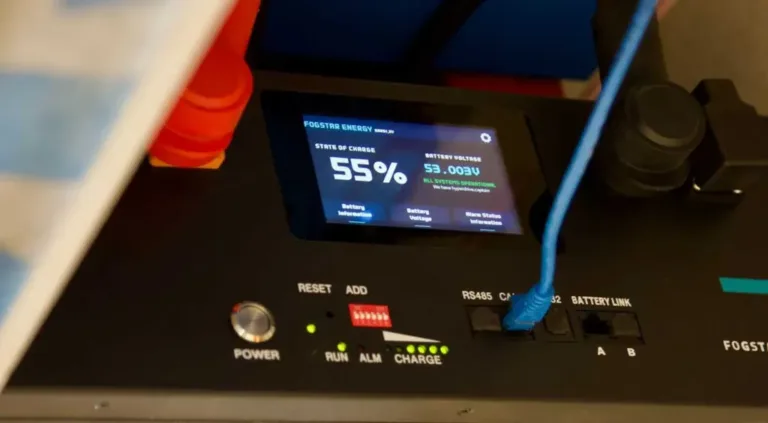
| Battery monitoring | A supported monitor or battery management system (BMS) that reports state of charge to the GX. |
| Solar monitoring | The GX must see all of your solar production. |
| Shelly load controller | A Gen2 or later model with relay control and energy measurement. |
| Network | Wi-Fi or Ethernet between the Shelly and the GX. |
| Appliance | A flexible AC load that is safe to start and stop automatically. |
On the battery side, our builds usually pair a Fogstar lithium battery with a Victron SmartShunt. The SmartShunt gives the GX the state of charge figure that Opportunity Loads relies on.

Which Shelly devices suit Victron Shelly integration?
Victron lists these as known to work as Opportunity Loads: Shelly 1PM Gen3 and Gen4, Mini 1PM Gen4, Pro 1PM, Pro 4PM, Plus Plug S and Plug S MTR Gen3. Victron says more devices are supported, so treat this as a safe starting point rather than a complete list.
The key test is switching plus measurement. Venus OS also supports Shelly energy meters, dimmers and bulbs for other jobs. A device appearing in the GX Switch pane does not mean it can act as an Opportunity Load.
Venus OS supports Shelly Gen2 and later devices only. For a new build, we would choose a current model from Victron’s known-working list rather than reuse an older unit.
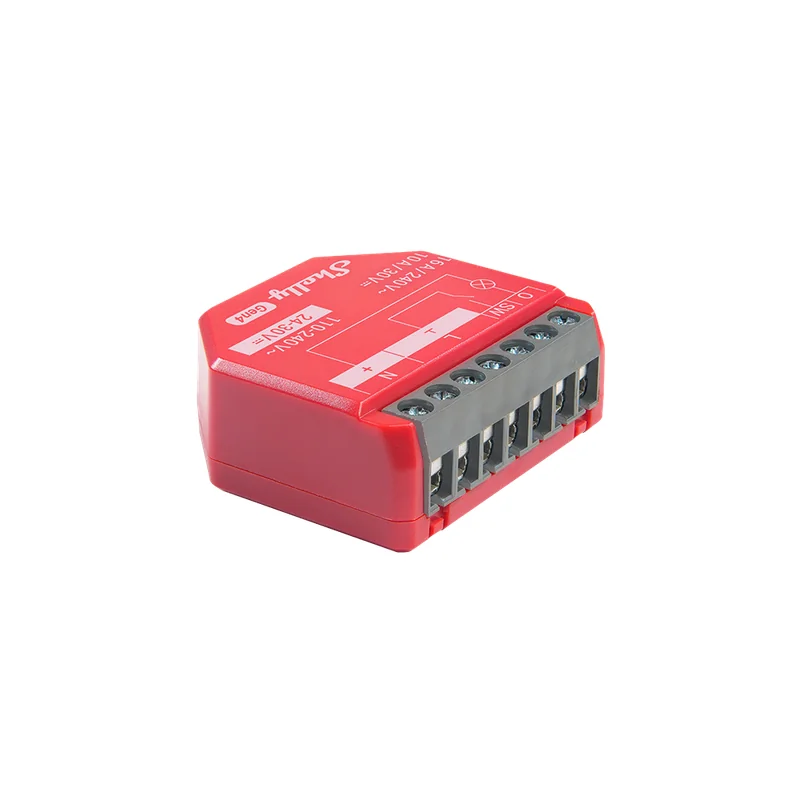
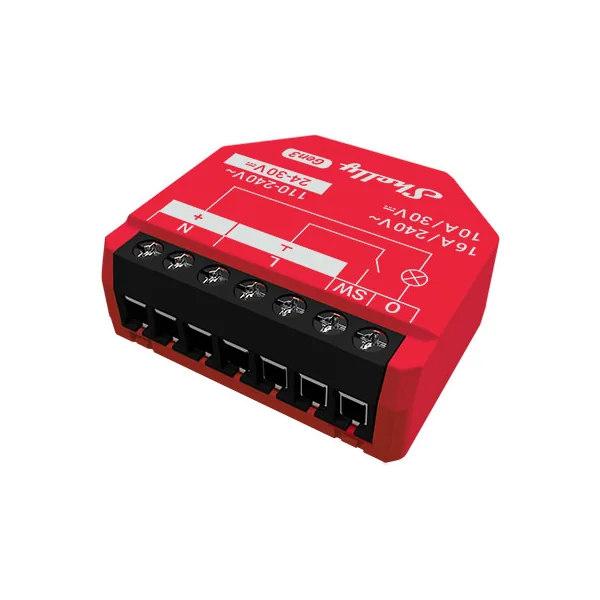
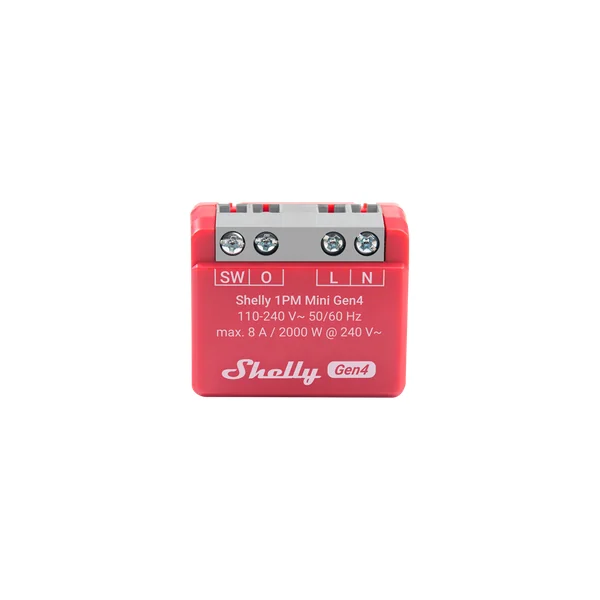
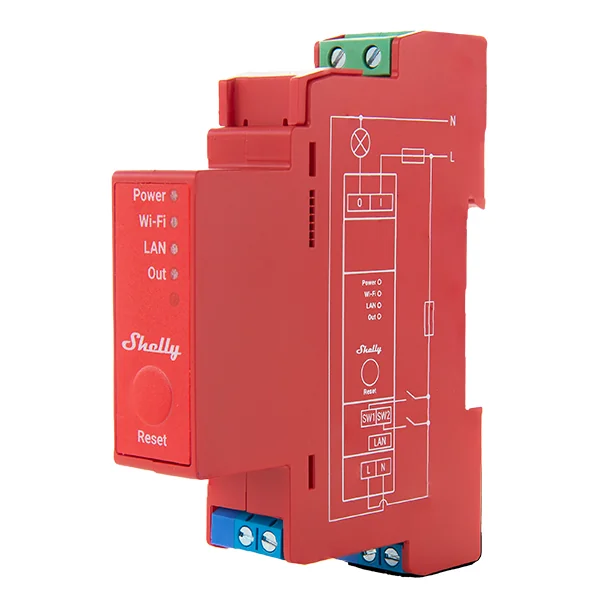
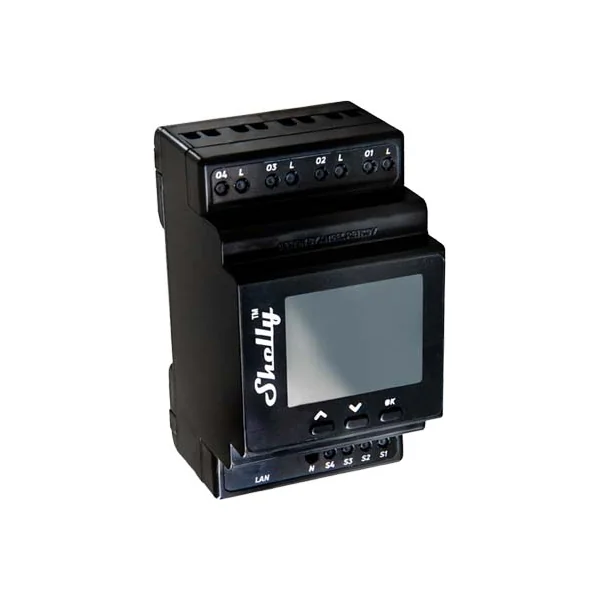
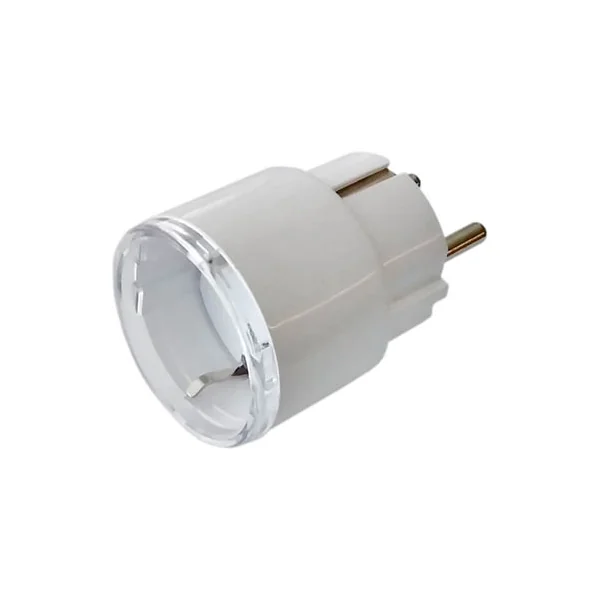
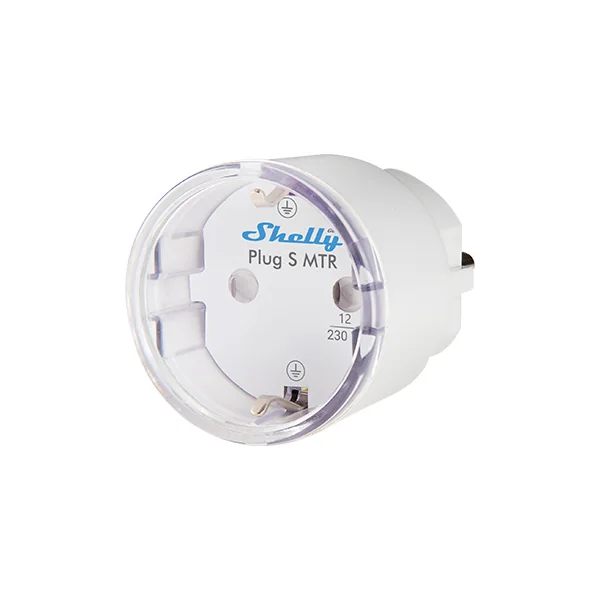
Victron Shelly integration limits in Venus OS 3.80
The GX can rank supported loads, switch Shelly-controlled AC loads and coordinate supported Victron EV Charging Stations. It can also place battery charging within the same priority list. However, keep these limits in mind:
- No password-protected Shelly devices. A Shelly secured with a password will not appear in the device list. Do not remove security from an existing system just to make a device appear. Instead, review the network design first.
- No Shelly add-ons. Therefore, do not assume an add-on relay or sensor will work through the native integration.
- No Bluetooth control link. The GX controls the Shelly over the local Wi-Fi or Ethernet network.
- No DC load control. This matters if you are thinking about a van’s 12 V circuits.
- On and off only for Shelly relays. Variable heater control is not part of the native feature. Victron points to Node-RED for advanced automation, which is a separate project.
- No promise of zero battery use. Loads may not fit the available power, and brief battery use can happen as conditions change.
How does Opportunity Loads decide what runs?
Think of it as a queue with a power budget, rather than a simple timer.
Set the order, including the battery
In the GX menu, go to Settings → System Setup → Opportunity Loads. Loads at the top have the highest priority.
The battery sits in that list too. Loads above it may run while the battery is still charging. Loads below it wait until the battery’s charging needs are met.
You can set a state of charge threshold for those lower loads. But this is not an absolute promise. Victron notes that lower loads may start sooner when solar exceeds what the battery can accept, provided a compatible battery monitor reports its charge current limit.
For a self-build, decide what battery reserve you need before choosing when optional heating should run. Base those settings on how you actually use the system.
A smaller load can fit before a larger one
If the first load needs more power than is spare, the GX can skip it and run a smaller load lower down. Victron calls this Priority-Aware Best Fit. Once enough power is available, it switches back to the higher-priority load.
So a lower-priority appliance running first does not necessarily mean the order is wrong. It may simply fit the budget.
Why might the battery dip briefly?
The GX keeps checking solar output, battery state and consumption, and rebalances the loads as conditions change.
In an off-grid or zero-export system, a full battery hides the real solar potential, because the charge controller has already cut back. To find out what is really available, the GX can let the battery discharge slightly, to about 97% state of charge, by running controlled loads. Victron calls this SoC probing.
Victron’s manual says probing is not used on grid-connected systems that can export freely, because the grid meter already shows the surplus. Therefore, in a van or cabin, expect small battery dips and use sensible minimum run and rest times for each appliance.
How to set up Victron Shelly integration, step by step
These steps follow Victron’s published GX menus. The exact options depend on the device and firmware.
-
01
Check the device before connecting it
First, confirm the exact Shelly model suits Opportunity Loads. Follow its installation manual, including the electrical ratings and safety instructions.
For fixed wiring, have a qualified electrician do the work. This guide does not specify cable sizes, contactors or relay ratings for your appliance.
-
02
Put the Shelly and GX on the same network
Connect the Shelly over Wi-Fi or Ethernet. Then open Settings → Integrations → Shelly Devices on the GX.
Detected devices start disabled. Enable the correct device and the channels you need. Use the serial number and IP address to tell similar devices apart.
If it is missing, press Refresh and check the network connection. You can also add a compatible device by its IP address. Remember that password protection hides a device, so a missing Shelly is not always faulty.
-
03
Assign the load function
Next, open the Shelly in the GX device list. In Setup, check its Position and Phase Setting against the actual installation.
In the output or channel settings, set the function to Opportunity load. It should then appear under Settings → System Setup → Opportunity Loads.
If that function is absent, do not assume the device supports it. Check its capabilities against the manual.
-
04
Set power, timings and priority
Enter the load’s Expected power consumption. For a load with a known range, Victron says to use the highest expected value.
Then set its Minimum run duration when turned on and Minimum rest duration when turned off. These help avoid short cycles as solar output changes. Choose them to suit the appliance.
Place the load in the priority list and review the battery settings. If there are several loads, Victron recommends longer rest times for lower-priority ones.
-
05
Turn on Auto and test your Victron Shelly integration
Finally, select Auto for the Shelly in the GX Switch pane. Without Auto, the GX does not control it as an Opportunity Load.
Watch the load’s real power use, battery state and response to changing solar. A relay can be on while the appliance draws nothing. For example, a water heater stops drawing power once its thermostat reaches temperature.
To take manual control, disable Auto and choose On or Off in the Switch pane. While there is useful solar, the GX enforces its own choice. Switching the Shelly from its app or a button may not hold.
Is the Victron BLE Bridge the same thing?
No. It solves a separate problem: getting supported Bluetooth sensor data back to the GX when the sensor is too far away.
A compatible Shelly receives nearby Bluetooth Low Energy data. The Victron BLE Bridge script then forwards it to the GX over Wi-Fi or Ethernet. It is not a Bluetooth link for controlling the Shelly relay.

Use the official BLE Bridge instructions for your Shelly generation. They cover importing the script, enabling it at startup and pairing with the GX. The steps differ between device families, so do not assume one set of buttons fits all models.
Also, a bridge does not make every Bluetooth product compatible. The GX must support the sensor and understand its data.
Can Victron Shelly integration run over Ethernet in a van or boat?
Yes. Victron’s manual says the Shelly link runs over the local network, either wired Ethernet or Wi-Fi. Shelly Pro models have an Ethernet port, so a wired link to the GX is an option where Wi-Fi is weak or unwanted.
However, confirm that the chosen Pro model supports the job. Having an Ethernet socket alone does not make it an Opportunity Load controller. Pro models are also fixed-wiring devices, so the electrician rule above applies.
Plan the cable route and sealing for the environment. During commissioning, check that both devices are on the same network, and add the Shelly by IP address if it is not found automatically.
The feature is not limited to vehicles. Victron also documents home, marine, RV and off-grid uses. The real test is whether your system has useful spare solar and a suitable flexible AC load.
Checks before you finish your Victron Shelly integration
- Start small. First, prove one suitable load before adding several.
- Protect your reserve. Then set battery priorities around how you use the system.
- Check actual watts. An on state is not the same as useful heat or power use.
- Respect appliance limits. In other words, automatic switching must suit the equipment.
- Test manual control. Also, know how to leave Auto before you need to override it.
- Keep the network secure. Unsupported device passwords are a reason to review the design, not to expose the equipment.
- Check the manuals after updates. Supported models and menus can change.
Victron Shelly integration FAQ
Does Victron Shelly integration control DC loads?
No, because Opportunity Loads controls AC loads only. As a result, 12 V circuits in a van are outside its reach.
Can I use a Shelly with a password?
Not yet. At the moment, a password-protected Shelly will not appear in the GX device list in Venus OS 3.80.
Do I need Wi-Fi for Victron Shelly integration?
No. The GX and Shelly need a shared local network, which can be wired Ethernet with a Shelly Pro model.
Will my battery ever drain to run the load?
Only briefly. For example, in off-grid systems the GX may let the battery drop to about 97% to find the real solar surplus.
Planning a self-build system?
A good Victron Shelly integration starts with getting the core system right, before adding clever load control. Our Self-Build package starts with a kit and wiring plan matched to your build, with support while you put it together.
Sources
- 1
- 2
Victron Energy Shelly integration and Bluetooth range extension
- 3
Victron Energy Venus OS v3.80 release notes
- 4
About the reviewer: Tom Alderdice
Tom holds the 18th Edition (BS 7671) and inspection and testing qualifications, plus NCC training in caravan and motorhome electrics.
Tiny Build Electrics is an Authorised Victron Energy Installer. See Tom’s full qualifications